
A Practical Guide to Keeping Children Safe While Gaming
Author: Marcelina Horsefield
Gaming has become part of everyday life for children. In the United Kingdom, around 89% of children aged 3 to 17 are gamers. Globally, an estimated 3.42 billion people play video games, making this a $187.7 billion industry and the most valuable entertainment sector, ahead of film, music and television.
Games can offer many benefits, including improvements in cognitive skills and mental health. At the same time, the elements that make gaming engaging can also create risks. In October 2025, UNICEF published a working paper titled Protecting Children in Online Gaming: Mitigating Risks from Organized Violence. While the report focused on how violent groups exploit gaming platforms to influence and recruit children for acts of violence, it also highlighted other serious concerns such as child sexual exploitation, hate speech, harassment and even foreign information manipulation.
Gaming Spaces: Public Squares, Not Playgrounds
Modern gaming is highly interactive. Children are increasingly connecting with other people online. By their early teens, many are active on multiplayer platforms where they chat, use voice features or interact through avatars. In the UK, 72% of players aged 3 to 15 have played online with friends, and 31% have played with people they have never met in person. According to the UNICEF report, these spaces are more like busy public squares than monitored playgrounds, yet parents often assume they are safe and self-contained.
Personal details shared in chats can lead to identity theft, unfiltered conversations may reveal harmful content and scams can cause financial loss. Multiplayer platforms also create opportunities for bullying, grooming and emotional manipulation. Recognising these threats is the first step toward safer gaming.
So what can you do to keep your children safe from these risks? This guide provides practical safety measures for different platforms so you can adapt your approach to the gaming devices your child uses.
Universal Safety Principles
Before we get into platform-specific advice, lay the groundwork by establishing these five principles in your household:
Set Boundaries
Agree on gaming hours, which games are allowed, and what good online behaviour looks like.Teach Privacy Basics
Remind children never to share real names, addresses, school details, or other personal information.Keep an Eye on Communication
Check chat features and friend requests regularly to make sure interactions stay safe.Stay Involved
Play together now and then. It helps you understand the environment and shows your child you’re interested.Secure Accounts and Devices
Use strong passwords, enable multi-factor authentication, and keep systems updated for security.
Console Gaming: PlayStation, Xbox, and Nintendo Switch
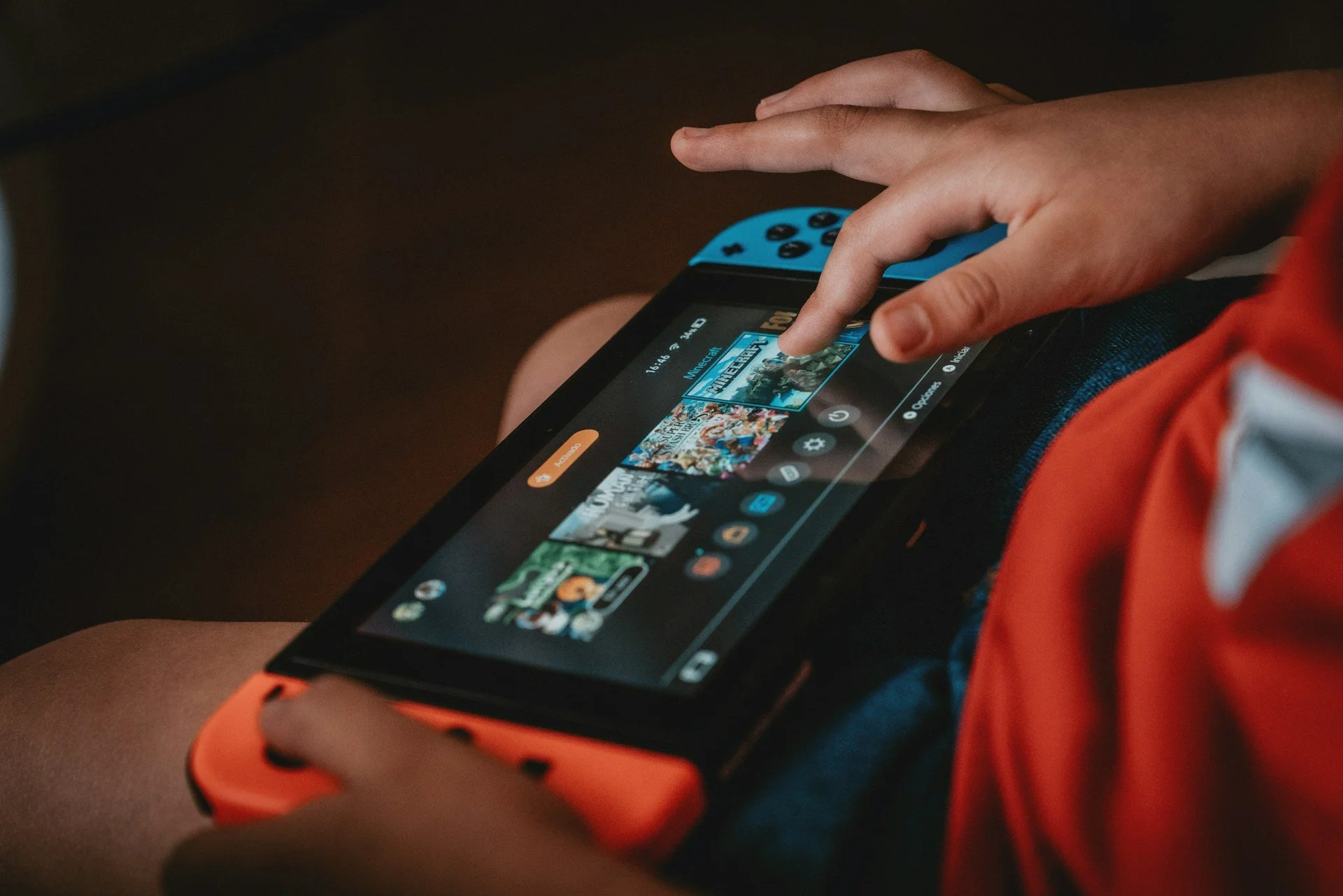
Console gaming platforms like PlayStation, Xbox, and Nintendo Switch provide robust parental controls to help parents manage their child’s gaming experience. These tools allow you to set age-appropriate content restrictions, control screen time, limit in-game purchases, and monitor communication features such as voice chat and friend requests. Managing these settings is straightforward with official apps like the PlayStation Family App, Xbox Family Settings App, and Nintendo Switch Parental Controls App, giving parents greater visibility and control over how their children interact with their consoles.
Online Gaming Platforms: Roblox and Similar Services
Sandbox titles such as Roblox, Minecraft, and Fortnite encourage imagination and social play, but their open nature means kids face risks from unsafe interactions and harmful content. Children are often targeted with fake links promising free rare items, discounted in-game currency or cheat codes that instead lead to websites that steal account information and lead to unauthorised purchases. Safety measures to protect children include:
Setting Parental Controls
Use the platform’s safety settings to:- Restrict chat features or limit them to friends only
- Set age-appropriate content filters
- Manage spending limits for in-game purchases
Checking Privacy Settings
Check profile visibility and ensure personal information is never shared.Awareness of Social Risks
Talk to your child about the dangers of interacting with strangers and joining unknown groups. Monitor friend requests and group memberships regularly.
PC Gaming
Gaming on a PC offers very easy access to the internet and third-party tools (such as Discord) which allow players to move conversations outside the game environment. This makes interactions harder for parents to monitor and can increase risks like exposure to strangers, unfiltered content, and even scams.
Safeguards to ensure a secure and responsible experience include:
Using Parental Controls and Safety Tools
Use Microsoft Family Safety or trusted third-party tools to set screen time limits and block inappropriate content.Limiting Modding Risks
Only download mods from official sources. Unverified mods can contain malware or compromise your system.Reviewing Social Features
Keep an eye on chat platforms often used alongside PC gaming, such as Discord. Review privacy settings and monitor interactions regularly.
Mobile Gaming
Mobile gaming gives children instant access to games and online features wherever they are, making it harder for parents to keep track of who they’re interacting with and what they’re doing.
Use built-in parental controls on iOS and Android to block apps with mature content, limit screen time, and require password approval for in-app purchases. Additionally, review privacy settings by checking app permissions, especially for games that request access to contacts, location or the camera.
Streaming Platforms: Twitch and YouTube Gaming
Enable Restricted Mode on YouTube and similar safety settings on Twitch to filter out inappropriate content. Talk to your child about the dangers of engaging with streamers and participating in live chat rooms, as these spaces can expose them to strangers and harmful conversations.
Staying Alert and Supportive
Gaming can be a positive and rewarding experience for children, but it’s important to stay alert to warning signs. Red flags include sudden secrecy about gaming activity, unexplained spending, withdrawal from friends or family, or emotional distress after playing. If you notice these changes, start a conversation and review the safety settings you’ve put in place.
You don’t have to do this alone. Many organisations offer dedicated safety guides and parental control resources:
Start with just one platform and expand from there. First, look at the parental controls on the device your child uses most. Even small actions can have a big impact. By staying involved and using the helpful tools, you can help create a safer and more enjoyable gaming experience for your child, one that keeps them protected while they have fun.
About the author
Marcelina Horsefield is a Cyber Security Advisor at coc00n, where she helps public figures navigate digital security with confidence. With over a decade of experience in legal operations, Marcelina focuses on a thoughtful, grounded approach to risk, translating today’s complex digital landscape into a clear, manageable path.
About coc00n
coc00n provides personal cyber security for high value individuals at a level previously only available to those under government protection.
Children are an easy target and therefore often the entry point for a sophisticated cyber attack. To ensure children are safe from compromise, we provide a digital security uplift service to secure children’s devices; their accounts and the applications within. Contact us to find out more.